



Is Your App Spying on You? Here’s How to Know
Have you ever downloaded an app and then noticed your battery draining faster, your phone heating up, or strange pop-ups appearing? It’s easy to overlook, but some apps are quietly collecting more information than they need, and some could even be spying on you.
Here’s how to tell if an app is spying on you, and which permissions you need to be cautious about.
1. Red Flags: Signs an App Might Be Spying on You
Some spying behaviors are subtle, but there are signs to watch out for:
- Battery draining quickly: Spy apps run in the background, eating up power.
- Increased data usage: Apps sending your data elsewhere will consume more internet.
- Strange background noise during calls: Could indicate call recording.
- Pop-ups and slow performance: A sign of malware or spyware.
- Overheating: Constant background activity can overwork your phone.
These could indicate a spy app operating secretly in the background.
2. Check the Permissions
Most apps require specific permissions to function properly. But when an app wants access it doesn’t need, that’s a red flag. Here’s what to watch out for:
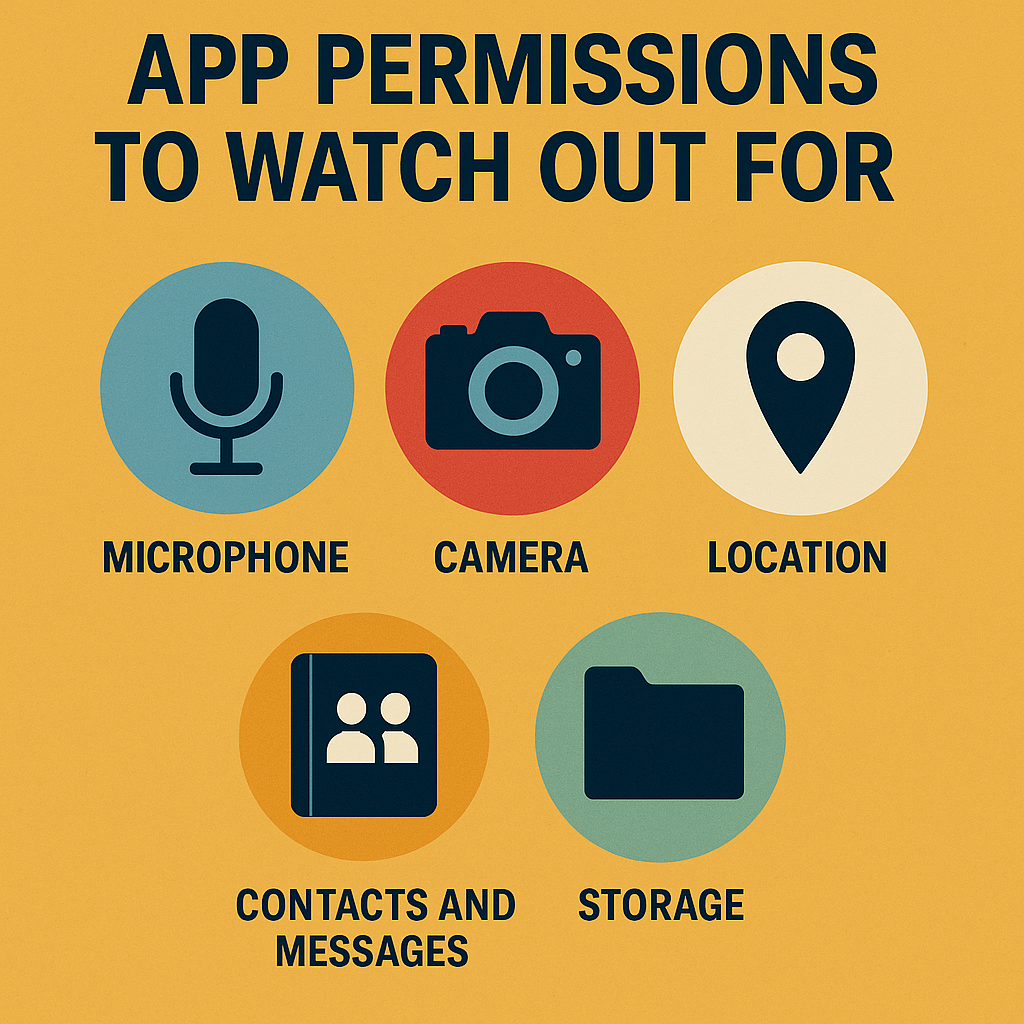
- Microphone: A calculator app asking for mic access? Suspicious.
- Camera: Some apps can activate your camera remotely.
- Location: Not every app needs your real-time location.
- Contacts and messages: Apps with no messaging feature shouldn’t need this.
- Storage: Some spy apps dig through your files and media.
Always ask: Does this app need that permission to work?
3. How to Check App Permissions (Android & iPhone)
On Android
: Go to Settings → Apps → Choose an App → Permissions
You can toggle off any that seem unnecessary.
On iPhone
: Go to Settings → Privacy & Security → App Permissions
You’ll see which apps have access to what.
4. How Spy Apps Get Onto Your Phone
You might be surprised how easily spying apps sneak in:
- Downloaded from unofficial app stores
- Embedded in free apps or games
- Sent via phishing links or malicious ads
- Installed by someone with physical access to your phone

To stay safe, only download apps from trusted stores and check reviews.
5. How to Protect Your Phone from Spy Apps
Here’s a quick mobile privacy checklist:
- Download apps only from Google Play or Apple App Store
- Read app reviews and permissions before installing
- Use antivirus or anti-spyware apps
- Regularly check app permissions
- Avoid clicking on suspicious links or ads
- Lock your phone with a strong PIN or biometrics
- Keep your phone’s OS and apps updated
Apps are supposed to make your life easier, not spy on you. By staying alert and checking app permissions regularly, you can protect your phone, your privacy, and your peace of mind.
Remember: If something feels off, it probably is.